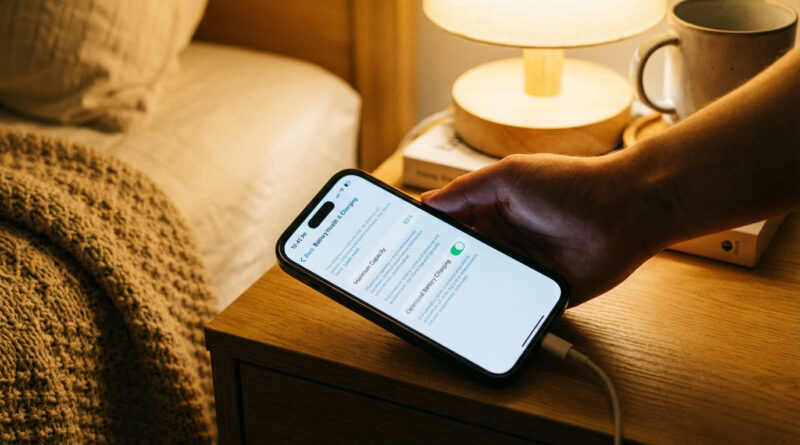
How to Stop Your iPhone Battery From Draining Fast After an iOS Update
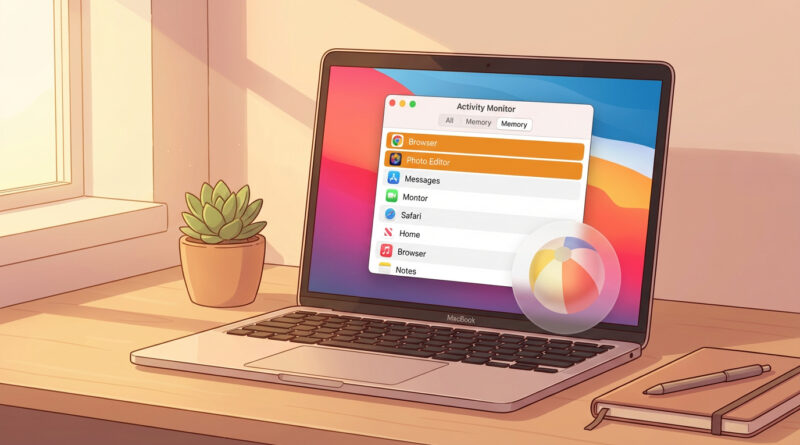
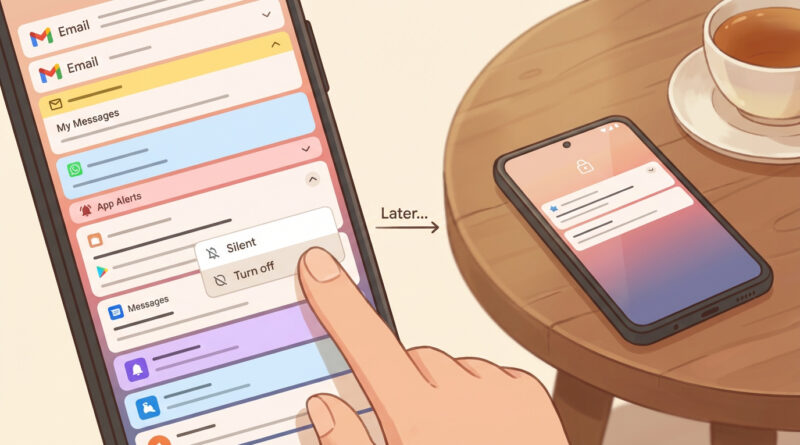
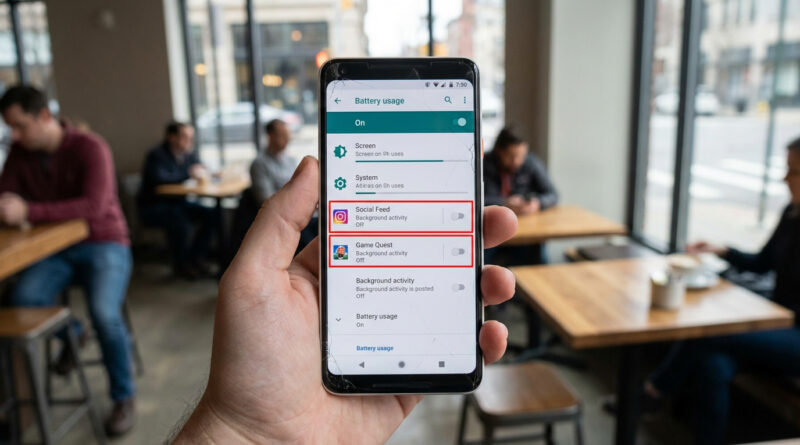
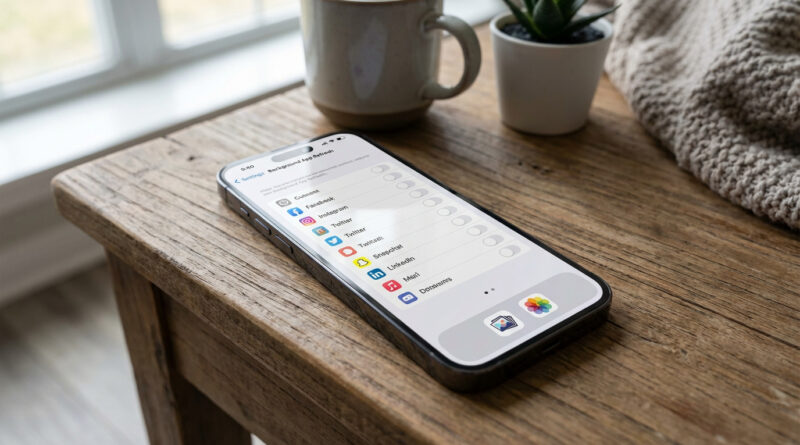
For 24 hours after a big update, plug your iPhone in whenever you can and leave it on Wi Fi with the screen locked so it can quietly finish re indexing your photos and apps, then go to Settings > Battery > Battery Health and turn on Optimized Charging plus turn off Background App Refresh for any app that shows up high in the battery list. This combo lets the phone finish its heavy background work faster and then keeps the worst battery hogs in check.
Read More