Author: The Advicefortech Team

How to Speed Up a Slow Android Phone in 5 Minutes Without Installing Any Cleaner Apps

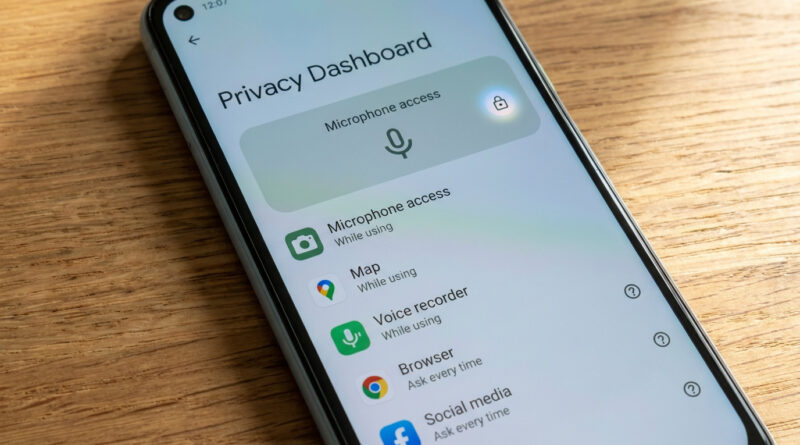
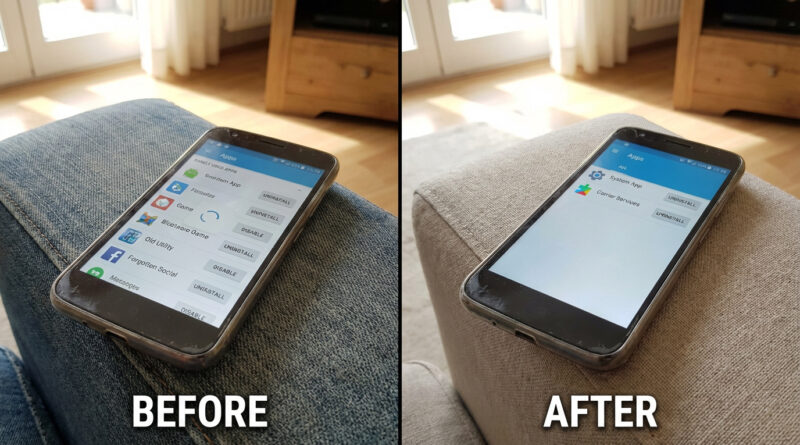
Skip the booster apps and instead open your phone settings and clear just the cache of your heaviest apps like social media and browsers, then uninstall any apps you have not opened in 30 days and set your wallpaper to a static image instead of live. This light cleanup frees memory and processing power without touching your photos or messages and usually gives an instant speed boost.

Read More

How to Make ChatGPT Actually Remember Your Style and Stop Repeating Useless Tips

Open the settings, find the memory or personalization section, and clearly tell it in plain language how you like to work, for example ‘I use Windows and Android, I hate step lists longer than five steps, and never suggest reinstalling unless I ask’, then start new chats by reminding it of one short line from that description so it snaps back to your preferences faster.

Read More

How to Stop Your iPhone Battery From Draining Overnight on iOS 18

Before bed, swipe down to open Control Center and make a quick three step routine: turn on Low Power Mode, turn off Bluetooth if you are not using a watch or earbuds, and tap the Focus icon to enable Sleep or Do Not Disturb so apps stop waking the phone. Then, once, go to Settings, Battery, tap Battery Health & Charging and switch on Optimized Charging, and in Battery usage scroll to see which app is at the top overnight; for any social or shopping app near the top, go into its settings and turn off Background App Refresh so it cannot run all night.

Read More