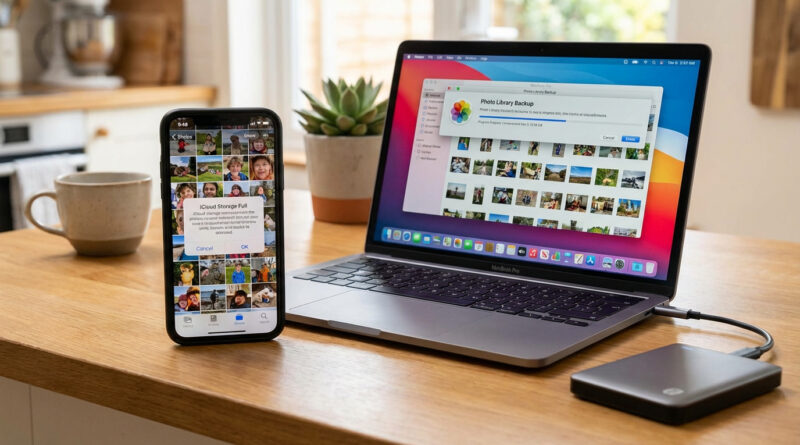
How to Stop Your iPhone Photos Filling Up iCloud and Still Keep Your Memories Safe
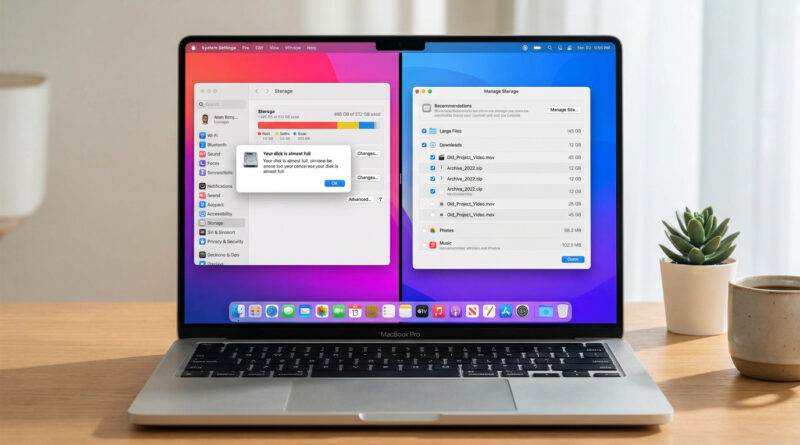
Turn on iCloud Photos only long enough to sync everything, then download your full photo library to a computer or external drive and switch to Optimize iPhone Storage. After you confirm a second backup in a non‑Apple service like Google Photos or OneDrive, you can safely turn off iCloud Photos and delete iCloud backups to free space without losing memories.
Read More