How to Stop Android Phones From Showing Too Many Notifications
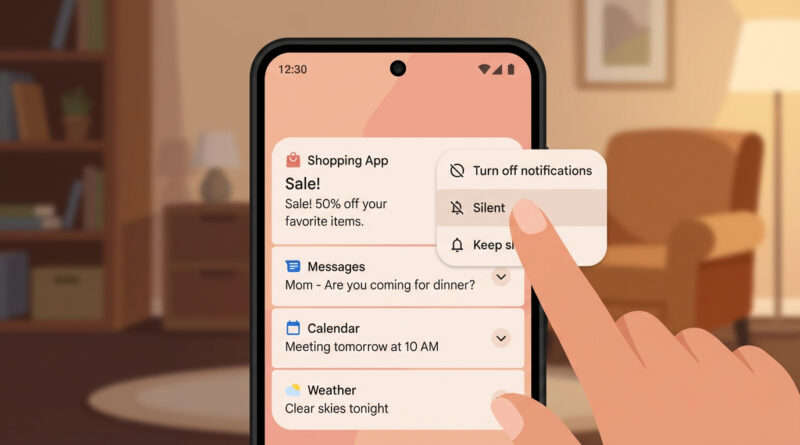
For one week, treat every new notification as a yes or no question and long‑press it on the spot: if it is not something you would want to see again, tap the small settings icon on that notification and turn that app’s alerts off or to silent right there. This slow‑and‑steady cleanup trains your phone around your real daily habits instead of guessing in a crowded settings menu.
Read More