Author: The Advicefortech Team

How to Make ChatGPT Actually Remember Your Style and Stop Repeating Useless Tips

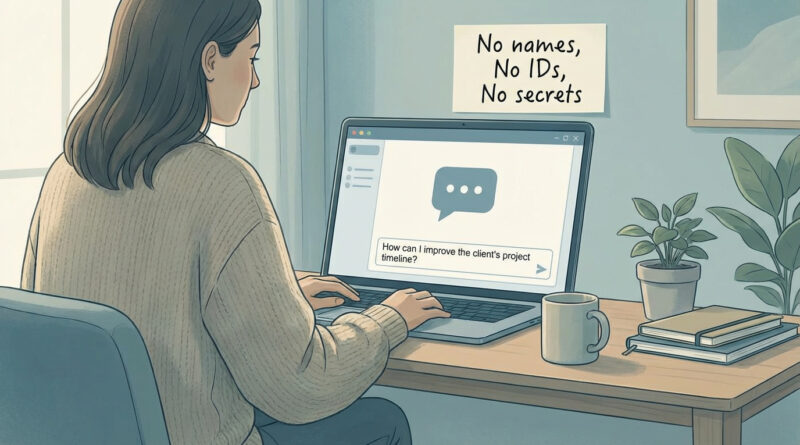
Open the settings, find the memory or personalization section, and clearly tell it in plain language how you like to work, for example ‘I use Windows and Android, I hate step lists longer than five steps, and never suggest reinstalling unless I ask’, then start new chats by reminding it of one short line from that description so it snaps back to your preferences faster.

Read More

How to Stop Your iPhone Battery From Draining Overnight on iOS 18

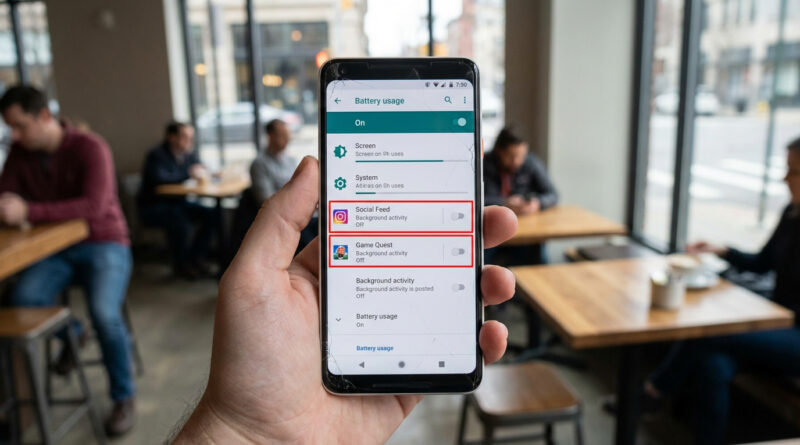
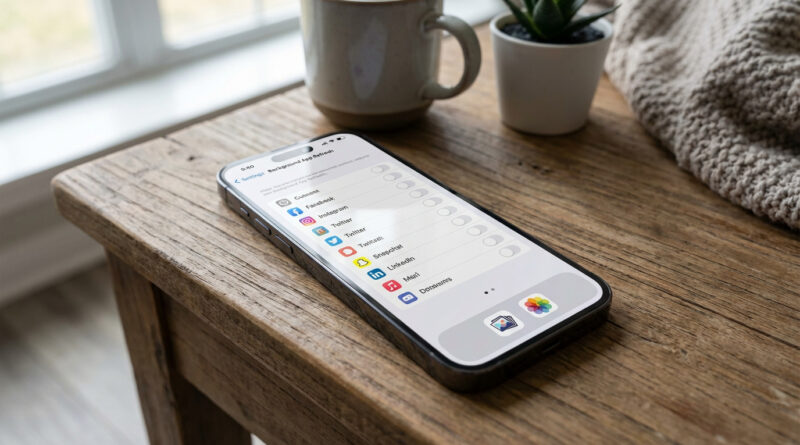
Before bed, swipe down to open Control Center and make a quick three step routine: turn on Low Power Mode, turn off Bluetooth if you are not using a watch or earbuds, and tap the Focus icon to enable Sleep or Do Not Disturb so apps stop waking the phone. Then, once, go to Settings, Battery, tap Battery Health & Charging and switch on Optimized Charging, and in Battery usage scroll to see which app is at the top overnight; for any social or shopping app near the top, go into its settings and turn off Background App Refresh so it cannot run all night.

Read More

How to Fix a Mac That Suddenly Says Its Disk Is Full (Without Deleting Your Photos)

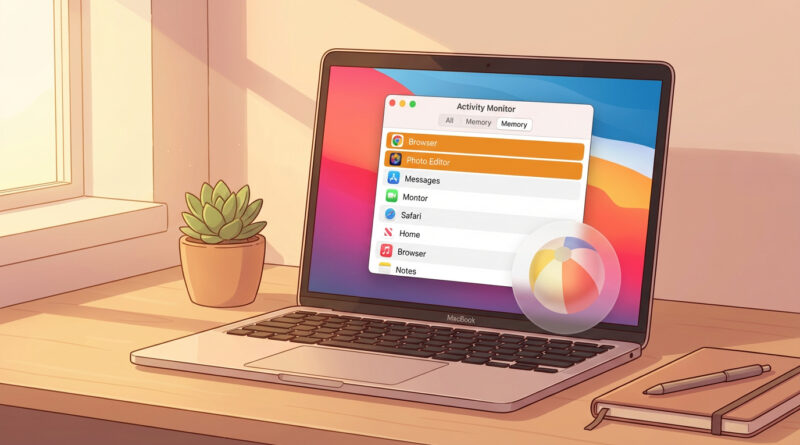
Instead of randomly deleting files, start by clicking the Apple menu, choosing About This Mac, then Storage, and then Manage. Use the Recommendations panel to first empty Trash automatically and remove large, already watched TV shows and movies, then switch to the Documents section and sort by Large Files; only delete items you recognize like old installers, zipped folders, or duplicate downloads. As a pro move, open your Downloads folder in Finder, press Command + J, sort by Date Added, and quickly delete anything older than three months that you clearly no longer need.

Read More