How to stop ChatGPT from using your chats for training
If you have been asking, “how do I stop ChatGPT from using my chats for training?”, you are not overreacting.
Read More
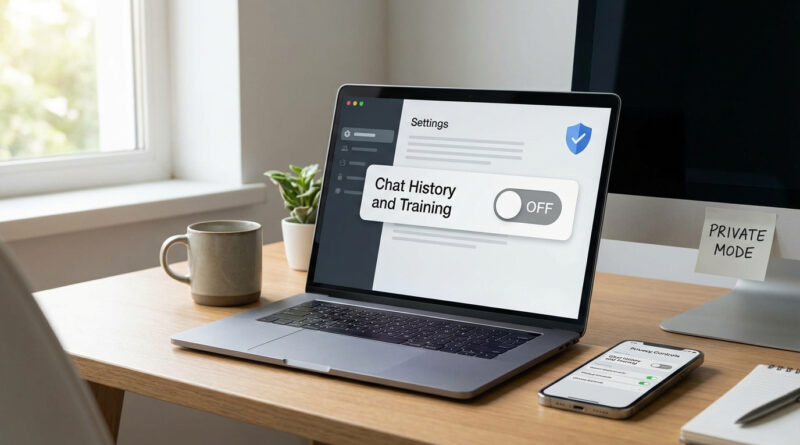
If you have been asking, “how do I stop ChatGPT from using my chats for training?”, you are not overreacting.
Read More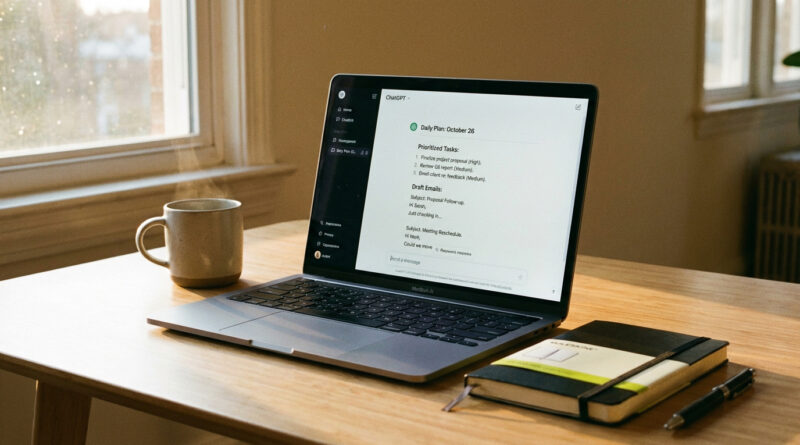
Use a single reusable ‘work day’ prompt where you paste your to do list and say, ‘You are my practical assistant, not a writer, help me turn this list into a today only plan with 3 most important tasks, quick email drafts, and the exact questions I should ask others,’ then reuse and tweak this prompt each morning. Treating the AI like a daily planning buddy instead of a one question search engine transforms it from a toy into an actual productivity tool.
Read More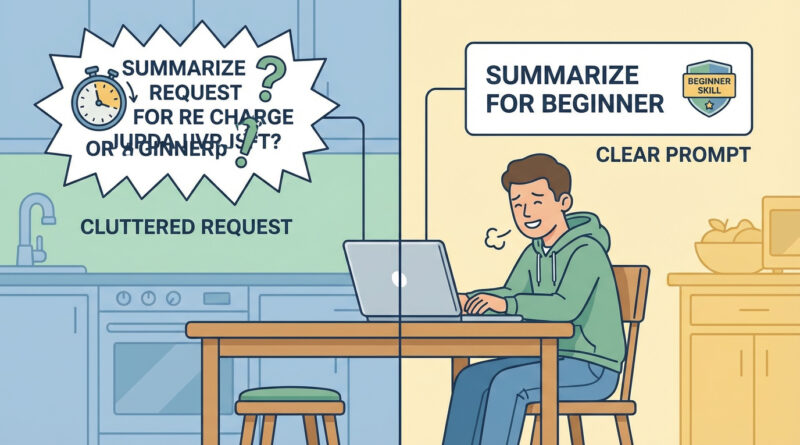
Before asking anything, write one plain sentence that starts with ‘I am trying to do…’ and end it with who it is for and how much time you have, then paste that into the AI first and say ‘rewrite this as a clear request from a beginner’ and use that cleaned up version as your real prompt so you get answers that match your level instead of random guesses.
Read More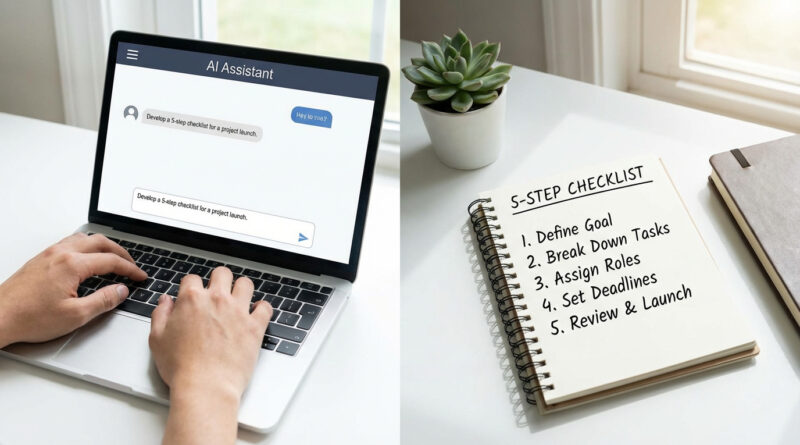
Instead of asking one big question, give the AI a tiny bit of context about who you are and tell it exactly what format you want, for example: “I am a beginner on Windows, give me a 5 step checklist with short steps and no jargon” and then ask follow up questions that start with “Show me” or “Rewrite this” rather than starting over. This turns the AI into more of a guided assistant that can refine your problem with you instead of guessing from scratch every time.
Read More
Create a simple personal rule: never paste anything with real names, addresses, account numbers or company secrets and, when in doubt, rewrite the problem in generic terms like ‘customer’ or ‘project’ before you ask the AI for help; save a short, reusable ‘sanitized version’ of your common questions in a note app so you never have to think twice. This keeps AI useful for drafting and brainstorming while treating it like any other online service that should not see your raw sensitive data.
Read More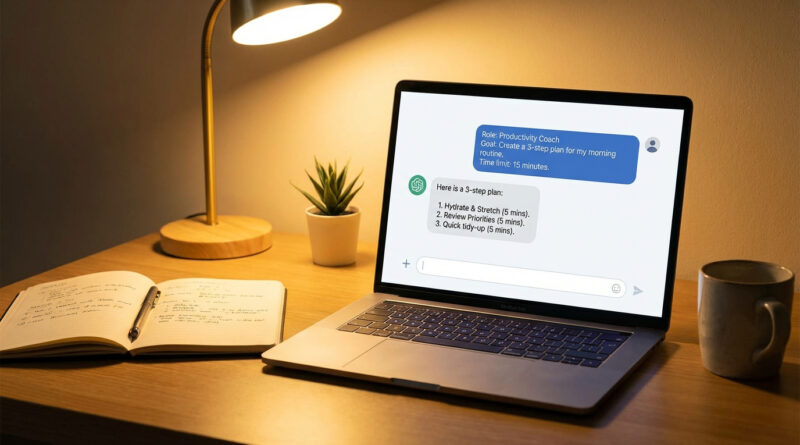
Instead of asking one big question, tell the AI your role, your goal for today and your time limit, then ask it to suggest a 3‑step plan before you ask for any answers. This nudges the AI into being a focused helper that works with you, not just dumps information at you.
Read More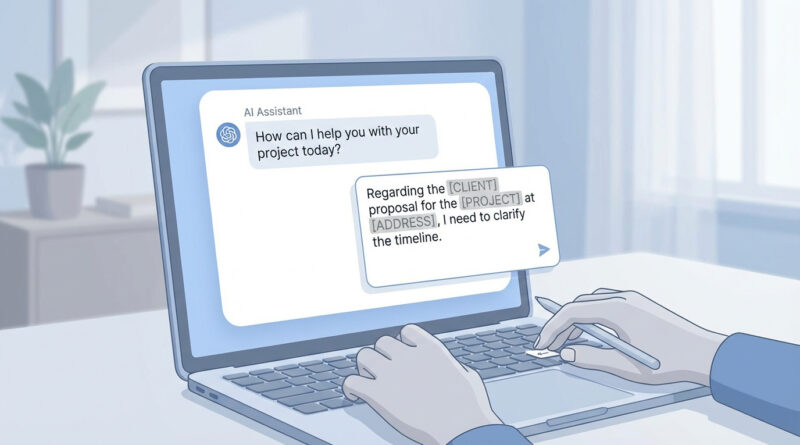
Before you paste anything, pause and ask yourself one simple rule: ‘Would I be okay if this text ended up in a company training presentation with my name removed?’ If the answer is no, strip out names, dates, addresses and any numbers that look like logins or IDs, then replace them with short labels like [CLIENT], [PROJECT] or [AMOUNT] before sending the prompt.
Read More