The Best Way to Clean Up a Slow Mac Without Paying for Sketchy ‘Optimizer’ Apps
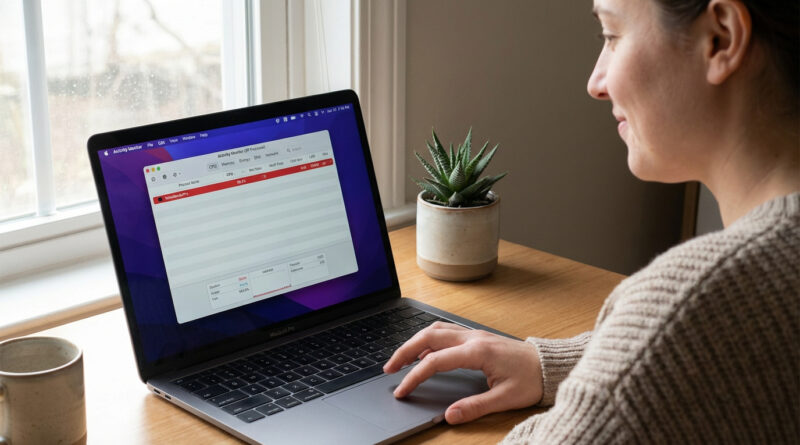
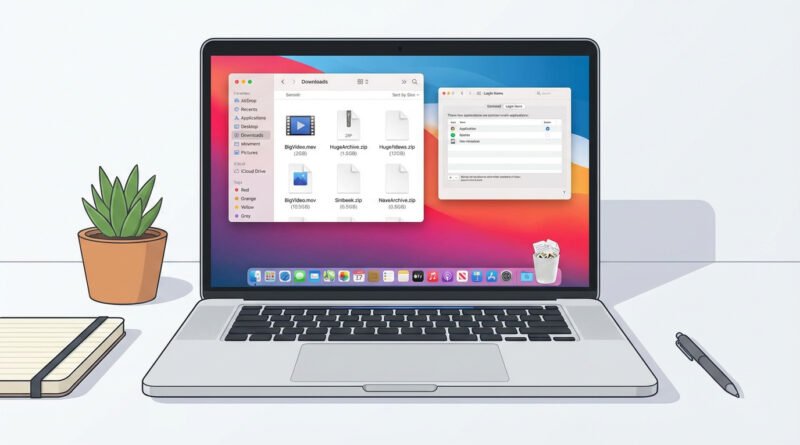
Skip the paid cleaners and do one focused 20 minute session: open your Downloads folder and sort by size, delete anything you know you do not need, then empty the Trash, and finally review only the ‘Login Items’ list so you turn off any apps you do not recognize or use daily. Set a calendar reminder to repeat this once a month instead of waiting until the Mac feels unusable.
Read More