AI

The Best Way to Fix AI Chatbots Giving Useless Answers (ChatGPT, Copilot and More)

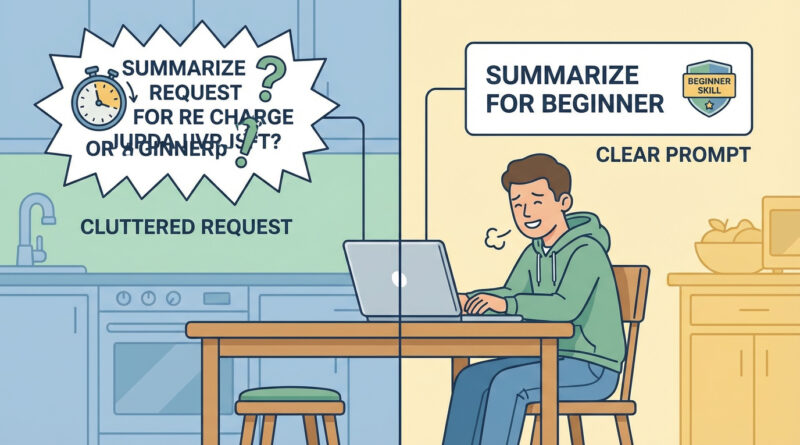
Instead of asking one big question, give the AI a tiny bit of context about who you are and tell it exactly what format you want, for example: “I am a beginner on Windows, give me a 5 step checklist with short steps and no jargon” and then ask follow up questions that start with “Show me” or “Rewrite this” rather than starting over. This turns the AI into more of a guided assistant that can refine your problem with you instead of guessing from scratch every time.

Read More
Android

The Best Way to Free Up Space on a Full Android Phone Without Deleting Your Favorite Photos

Install Google Files (or open it if you already have it), go to the Clean tab and first clear temporary files and old downloads, then use its “Back up to cloud” option on large videos before deleting them locally, and only after that sort apps by “Last used” and remove anything you have not opened in 60 days. This order clears hidden junk, protects your memories and makes app deletions painless by focusing on what you actually ignore.

Read More
iPhone

How to Stop Your iPhone Battery From Draining Fast After an iOS Update

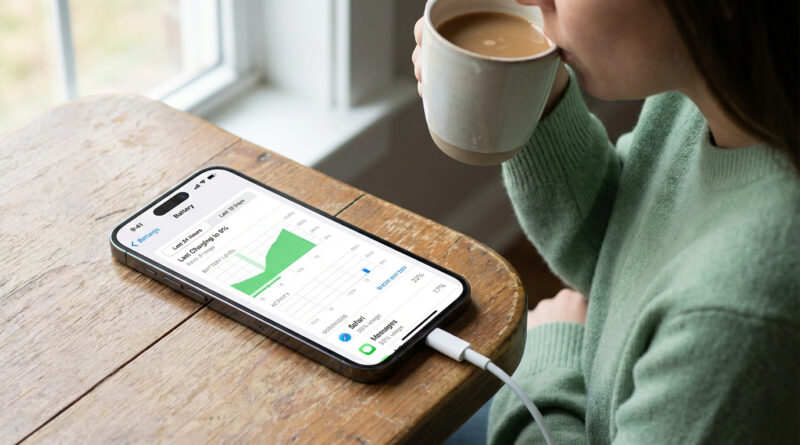
For 24 hours after a big update, plug your iPhone in whenever you can and leave it on Wi Fi with the screen locked so it can quietly finish re indexing your photos and apps, then go to Settings > Battery > Battery Health and turn on Optimized Charging plus turn off Background App Refresh for any app that shows up high in the battery list. This combo lets the phone finish its heavy background work faster and then keeps the worst battery hogs in check.

Read More