How to Stop Windows 11 From Randomly Restarting Itself
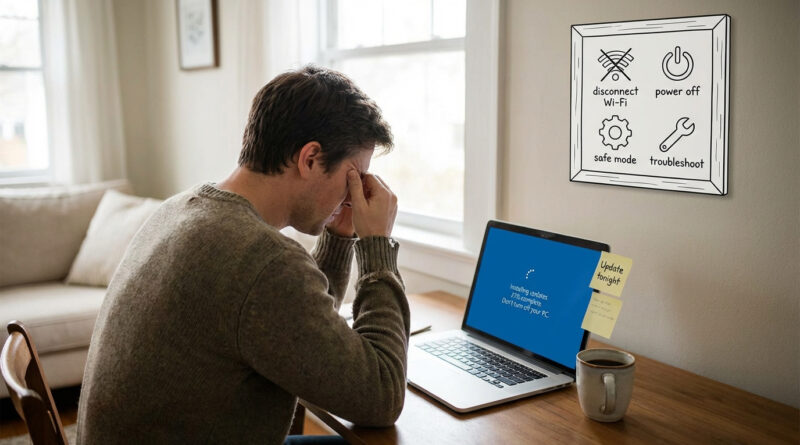
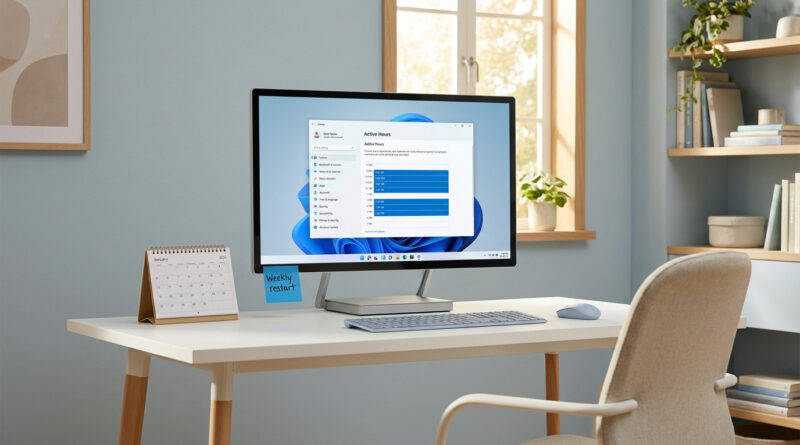
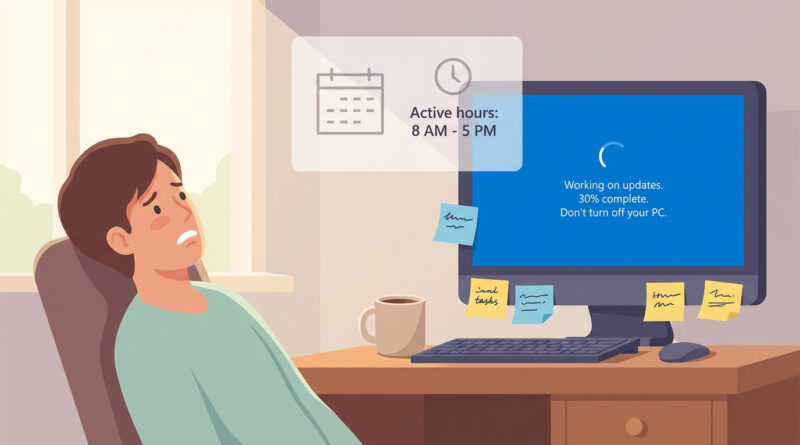
Instead of hunting through hidden settings, open Windows Update and pause updates for 1 week, then go to Advanced options and set Active hours to your real work schedule so Windows only restarts when you are done, and finally create a manual restore point so if a bad update slips through you can roll back in two clicks from the Start menu search.
Read More