How to Fix “Storage Almost Full” on Your Phone Without Paying for More iCloud or Google One
Your phone says “storage almost full,” you delete a bunch of photos, maybe even remove a couple of apps, and
Read More
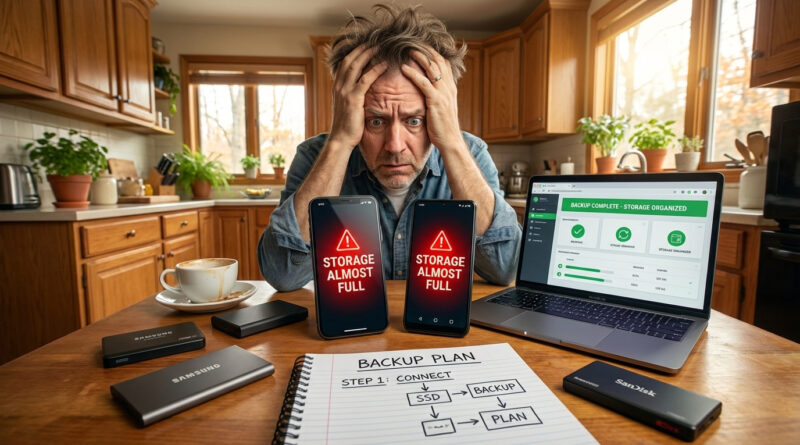
Your phone says “storage almost full,” you delete a bunch of photos, maybe even remove a couple of apps, and
Read More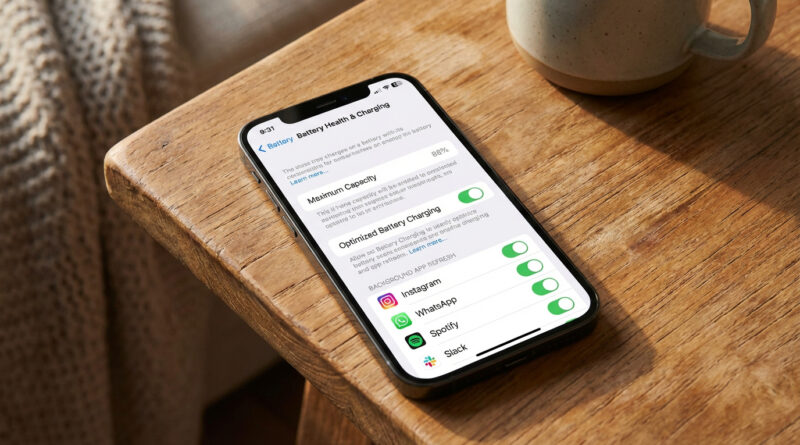
Open Settings > Battery > Battery Health & Charging and turn off Optimized Battery Charging for 24 hours, then in Battery usage tap the top 2 or 3 hungriest apps and disable Background App Refresh only for those specific apps instead of all apps. This targeted reset plus a day of normal use lets iOS finish its reindexing, calms the battery analytics, and usually restores normal battery life without gutting your phone’s features.
Read More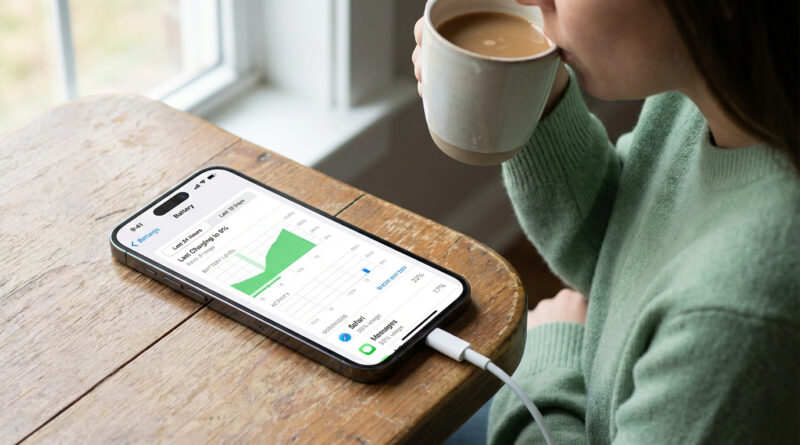
For one full day, leave the phone plugged in at home or work whenever you can and open Settings, then Battery, then Battery Health & Charging to turn on Optimized Charging, and in the same Battery screen check ‘Last 24 Hours’ to spot one or two apps that are hogging power and simply log out of them and restart the phone instead of uninstalling everything.
Read More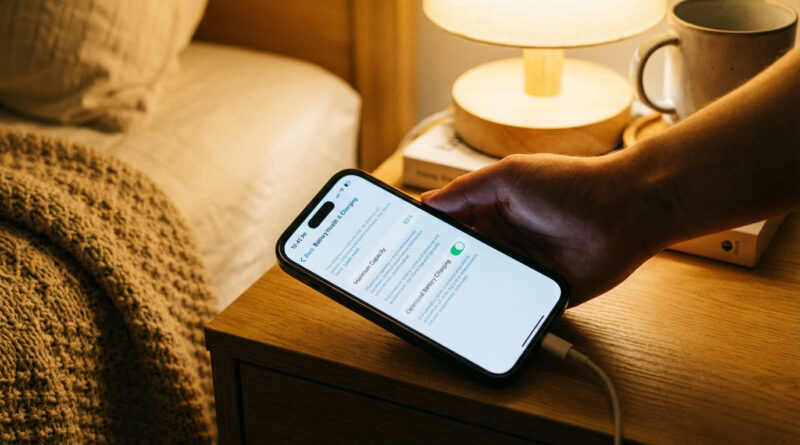
For 24 hours after a big update, plug your iPhone in whenever you can and leave it on Wi Fi with the screen locked so it can quietly finish re indexing your photos and apps, then go to Settings > Battery > Battery Health and turn on Optimized Charging plus turn off Background App Refresh for any app that shows up high in the battery list. This combo lets the phone finish its heavy background work faster and then keeps the worst battery hogs in check.
Read More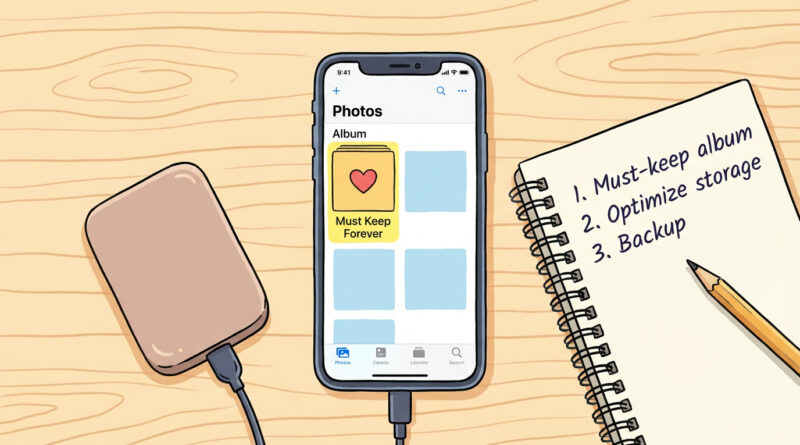
First, open Photos and create an album called ‘Must Keep Forever’ and move only your truly important pictures there, then turn on ‘Optimize iPhone Storage’ so everyday snapshots are stored in iCloud while full copies of your favorite memories stay prioritized and easier to back up to a computer or external drive. This simple habit turns a messy photo pile into two clear groups, so you can safely delete and free space without anxiety.
Read More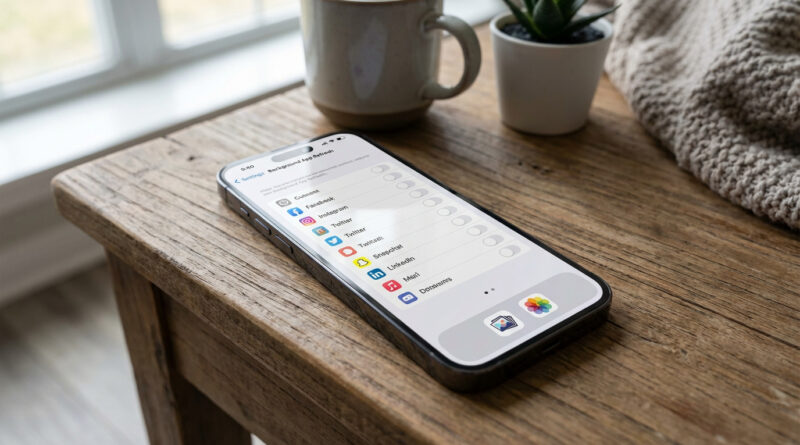
Turn off background refresh for every app you do not use daily, then restart the phone and give it 10 minutes on Wi‑Fi and charging. This single change often frees up hidden system strain so your phone feels faster without touching your photos at all.
Read More