How to Fix ‘This App Can’t Run on Your PC’ on Windows Without Losing Your Mind
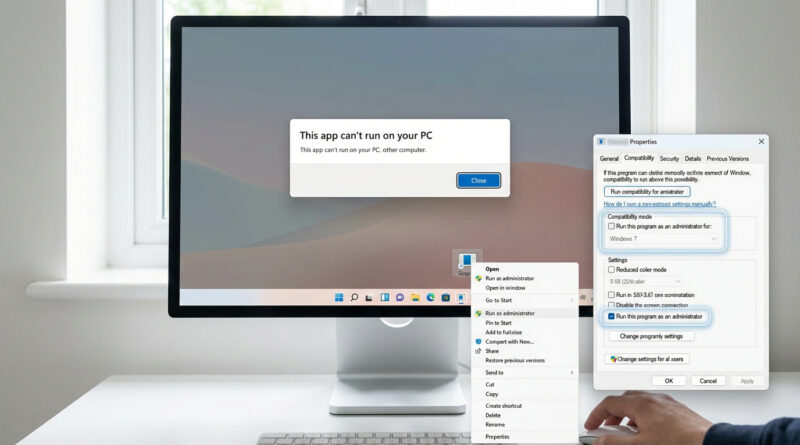
Before you reinstall anything, right click the app, go to Properties, then Compatibility and tick ‘Run this program as an administrator’ and set Compatibility mode to an older Windows version, then move the installer or app to a simple folder like C:Apps (no special characters) and run it from there. This single combo often bypasses silent security blocks and weird permission issues that standard fixes completely miss.
Read More