Android

Android

The Best Way to Clear ‘Other’ Storage on Android Without Breaking Your Apps

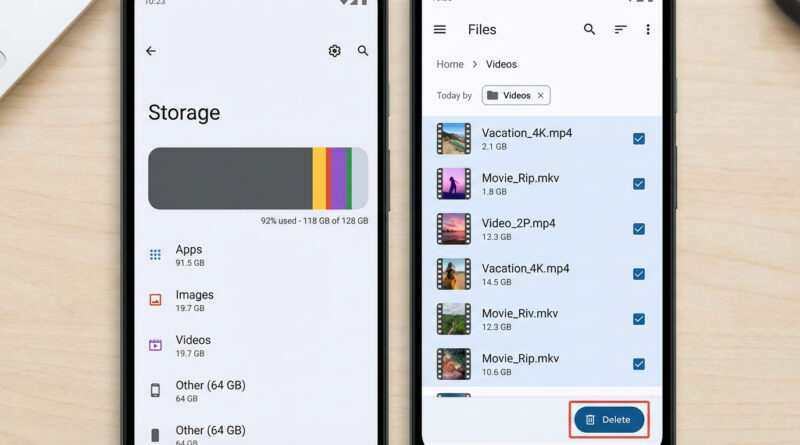
Start by uninstalling and reinstalling just WhatsApp, Chrome, and your main social app, but first use their own in app options to clear downloads and cache, then in Files or My Files sort by size and delete only old screen recordings and large videos you recognize instead of random system folders. This laser focused cleanup often frees several gigabytes of hidden app data and media, which is what ‘Other’ usually is in disguise.

Read More
Android

The Best Way to Free Up Space on a Full Android Phone Without Deleting Your Favorite Photos

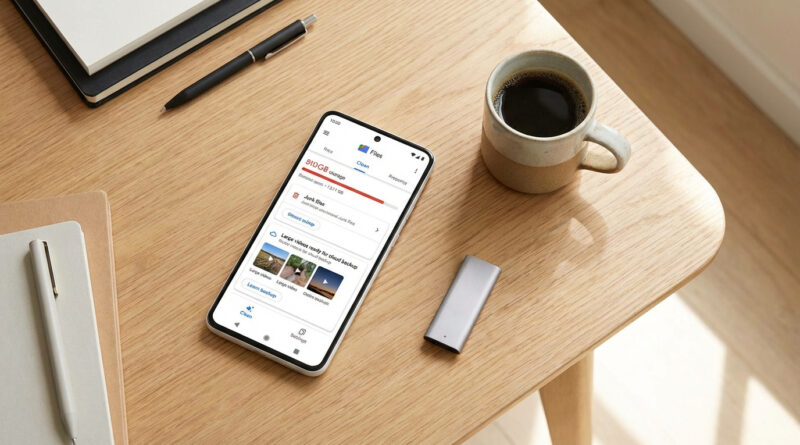
Install Google Files (or open it if you already have it), go to the Clean tab and first clear temporary files and old downloads, then use its “Back up to cloud” option on large videos before deleting them locally, and only after that sort apps by “Last used” and remove anything you have not opened in 60 days. This order clears hidden junk, protects your memories and makes app deletions painless by focusing on what you actually ignore.

Read More
Android

How to Make Android Notifications Less Annoying So You Only See What Matters

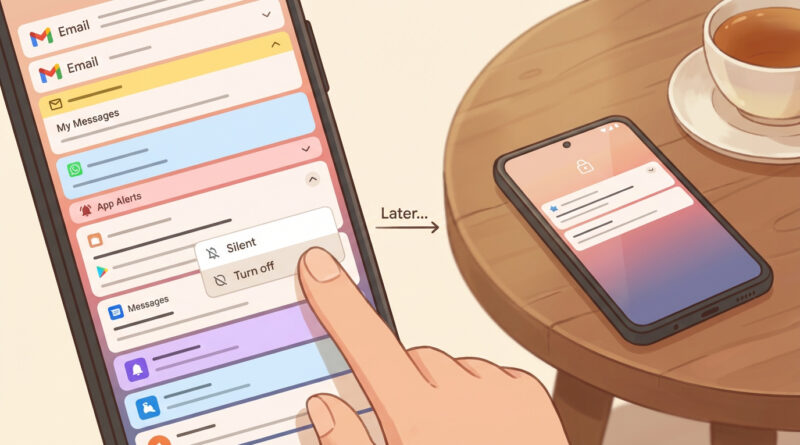
Set a five minute ‘notification cleanup’ timer, then for one day, whenever a useless alert pops up, tap and hold it and either turn that category off or set it to ‘Silent’ on the spot instead of just swiping it away; by the end of the day you will have trained your phone to only speak up for what you care about. This tiny habit uses your real life notifications as a guide instead of guessing inside the settings maze.

Read More