How to Fix a Slow Windows PC in 5 Minutes Without Buying Anything
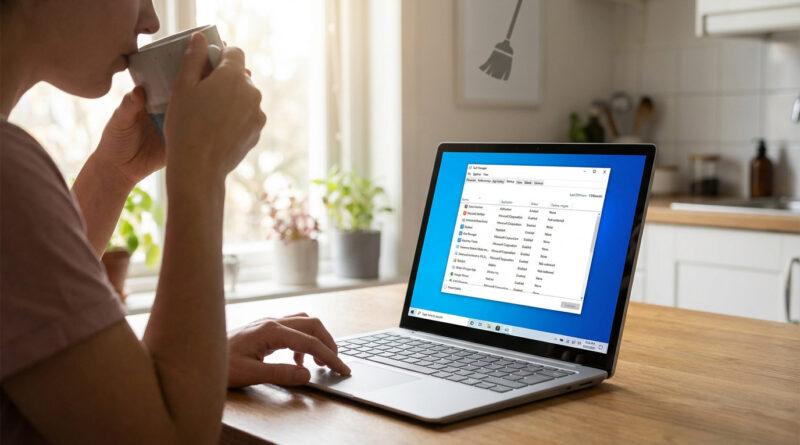
Create a simple ‘startup reset’ routine: press Ctrl+Shift+Esc, sort by Startup impact, and disable anything you do not use daily, then run Windows Search for ‘Storage Sense’ and turn it on to automatically clear temp files every day so you never hit the slowdown wall again.
Read More