Author: The Advicefortech Team

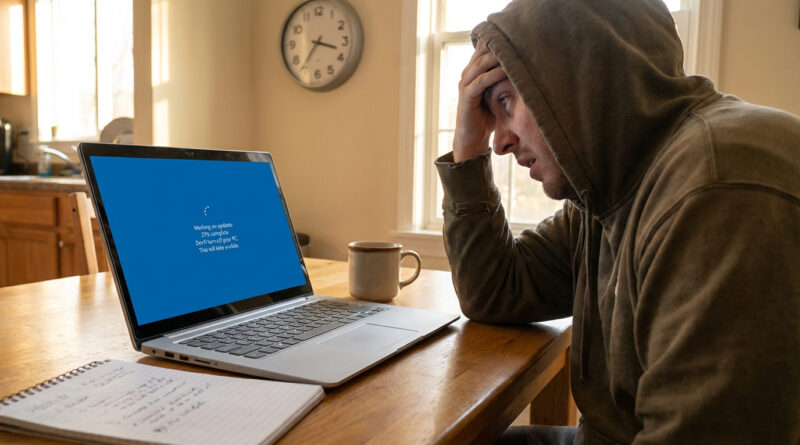
The Best Way to Move From an Old Windows Laptop to a New One Without Losing Anything

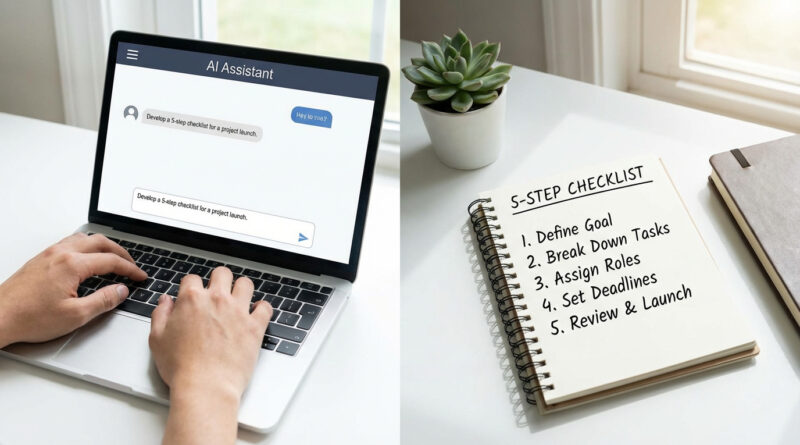
Before turning on the new laptop, sign into your main cloud account on the old one, place all important files into a single “Move Me” folder inside Documents or Desktop, and sync only that folder to a cloud service like OneDrive or Google Drive. Then on the new laptop, sign in to the same account, download just that folder, and only after confirming everything is there, export and import your browser passwords, which keeps the migration simple and easy to double‑check.

Read More

How to Speed Up a Slow Android Phone in 5 Minutes Without Installing Any Cleaner Apps

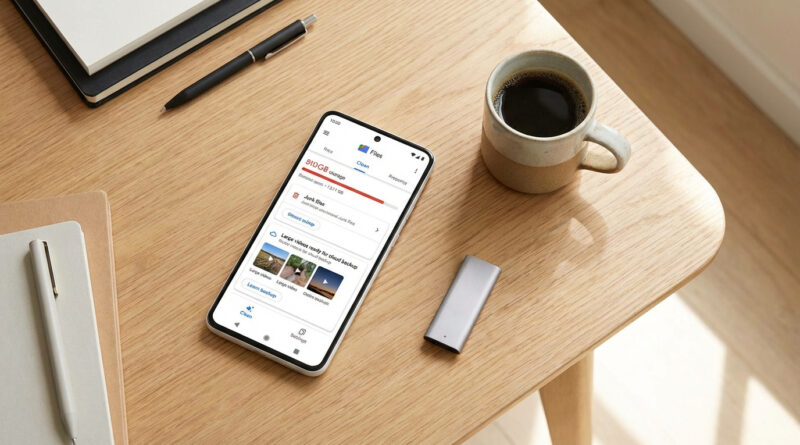
Skip the booster apps and instead open your phone settings and clear just the cache of your heaviest apps like social media and browsers, then uninstall any apps you have not opened in 30 days and set your wallpaper to a static image instead of live. This light cleanup frees memory and processing power without touching your photos or messages and usually gives an instant speed boost.

Read More